Storage Is the Difference Between Sleek and Staged
A media wall can look beautiful in a design rendering, but daily use tests the storage plan. Streaming boxes, game consoles, remotes, controllers, routers, sound equipment, chargers, blankets, and decor all need somewhere to go. If storage is ignored, the wall quickly collects visible clutter and loses the clean architectural quality that made it appealing. Smart storage does more than hide objects. It protects airflow, keeps cables serviceable, supports upgrades, and makes the room easy to reset after real people use it.
Plan Around Devices Before Planning Around Doors
The storage design should begin with the equipment list. A media wall that holds only a soundbar and streamer has different needs from one that holds game consoles, a receiver, networking gear, and multiple controllers. Measure device depth, heat output, cable direction, and how often each item needs to be reached. Beautiful doors are not helpful if they block remote signals, trap heat, or make updates miserable.
Ventilation is especially important. Closed cabinets can make a media wall look clean, but electronics need room to breathe. Vent slots, rear gaps, perforated panels, and quiet fans can prevent heat buildup while preserving the finished appearance. Airflow should be designed into the cabinet, not added after the receiver starts shutting down.
Service access also deserves attention. Panels that open fully, removable backs, and labeled cable routes make future changes less destructive. Media walls often outlast the devices inside them, so the storage should expect change.
Mix Closed Storage With Display Space
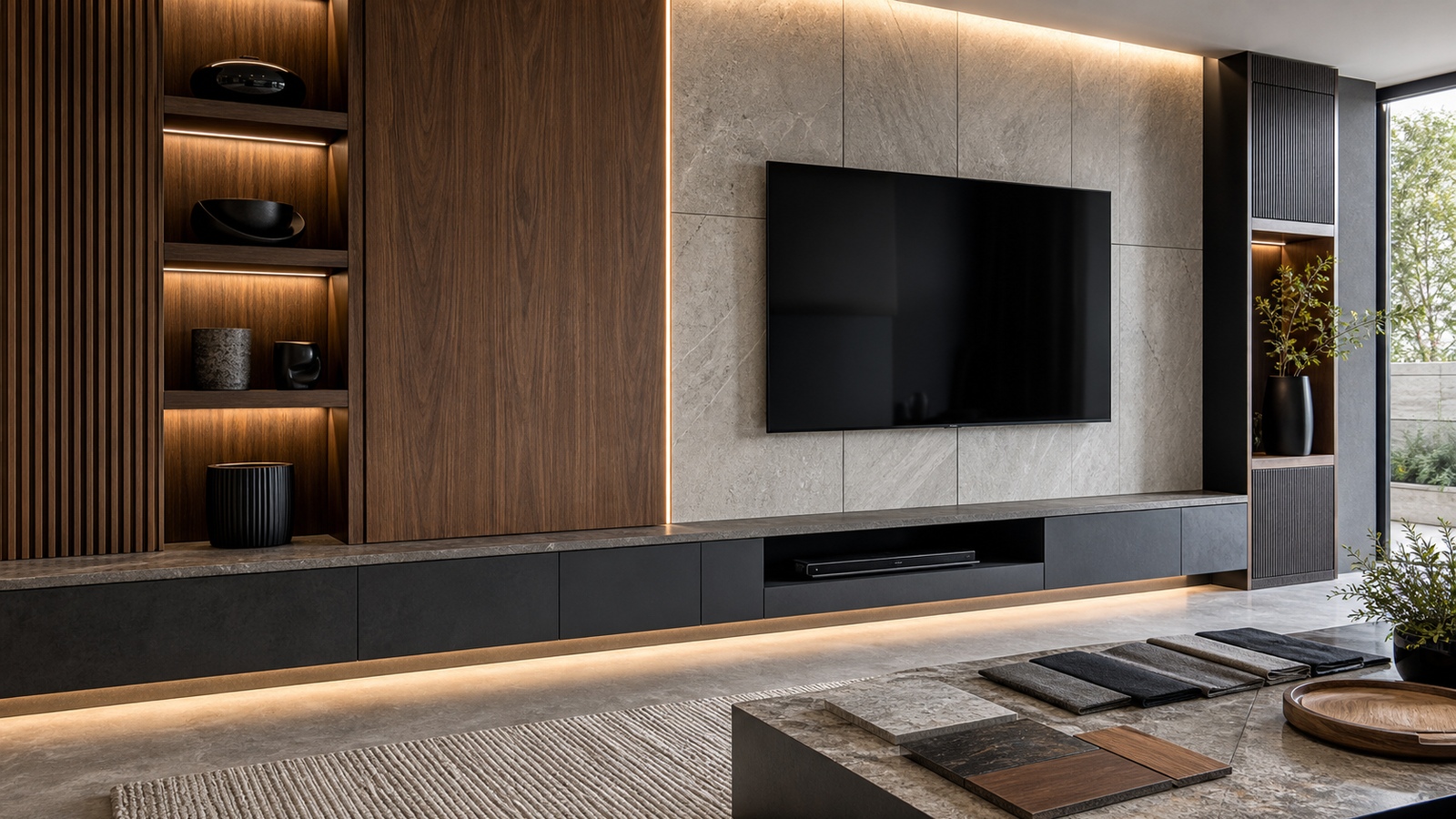
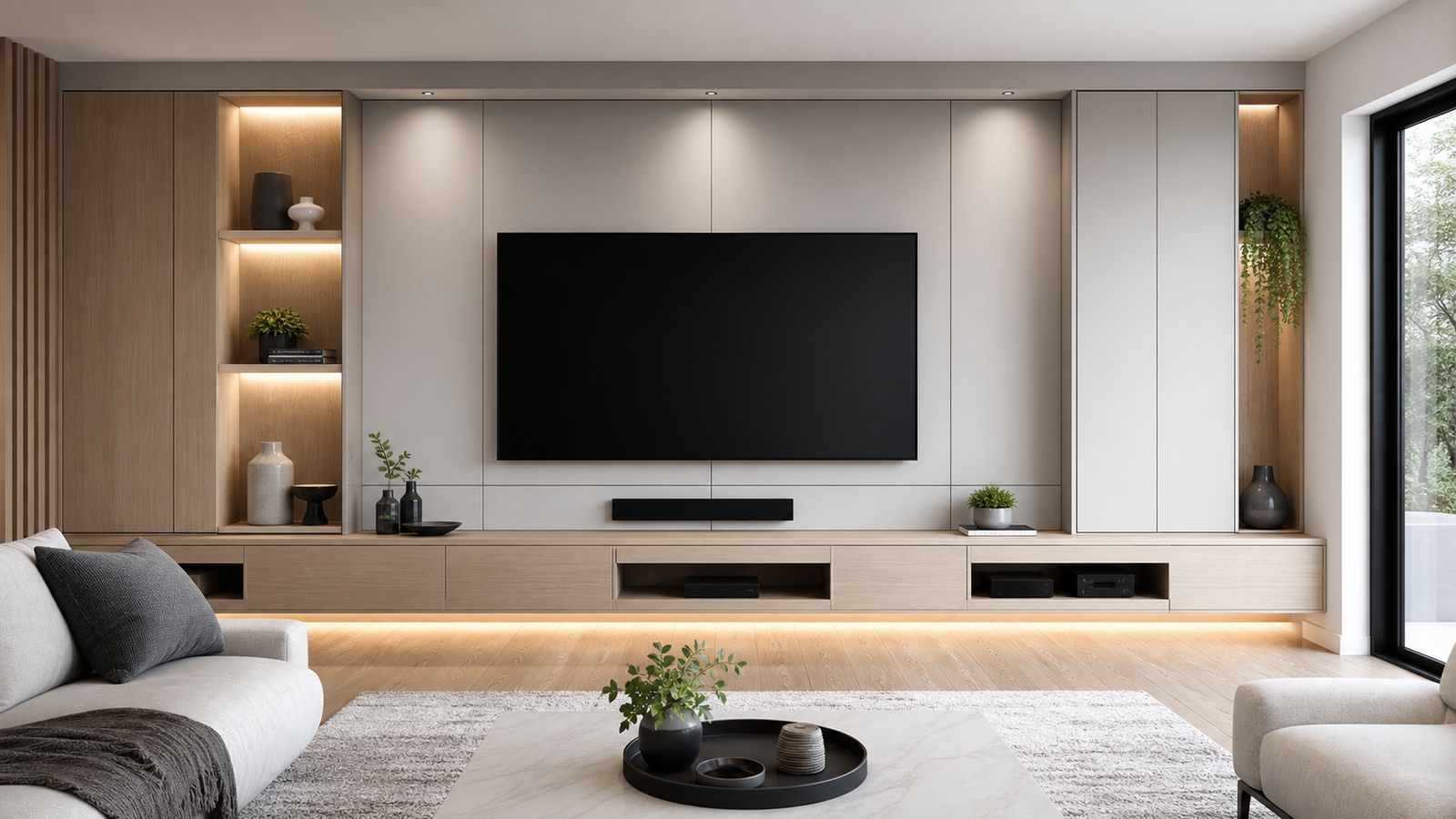
The sleekest media walls are not always the emptiest. A wall with only flat doors can feel cold, while a wall with too many open shelves can feel busy. The balance depends on the room. Closed storage should hide functional clutter, while open shelves can hold a few sculptural objects, books, plants, or speakers that benefit from visibility.
Lighting can help open storage feel intentional. A soft shelf light gives depth and keeps the wall from becoming one flat plane. The objects should be edited carefully, though. A media wall is still primarily a viewing surface, and too much shelf activity can compete with the screen.
Use Depth Strategically
Not every part of the wall needs the same depth. A shallow upper panel can frame the screen, while a deeper base cabinet can hold electronics, board games, blankets, or oversized controllers. This layered approach keeps the wall from projecting too far into the room while still providing useful capacity.
Floating base cabinets are popular because they make the floor feel open and modern. They work best when the wall structure can support the load and cable routing is planned early. If the cabinet must sit on the floor, a recessed toe kick or shadow line can still create a light, built-in effect.
Depth also affects speaker placement. A soundbar needs enough room to sit forward without bouncing sound off a shelf edge. Bookshelf speakers may need isolation pads and breathing room. A clean wall should not force audio into cramped positions.
Organize for the Way the Room Is Used
Storage should match routines. A family gaming space needs charging drawers, headset hooks, and controller bins. A formal living room may need hidden remotes, a place for candles or decor, and space for occasional streaming devices. A sports room may need easy access to multiple remotes or source switches.
- Put frequently used items in the easiest drawers, not the deepest cabinets.
- Group gaming gear by console so setup is quick.
- Keep spare HDMI cables and batteries in a labeled compartment.
- Reserve one empty shelf or drawer for future devices.
A sleek media wall fails if it only looks good when unused. The best storage design allows the mess of entertainment to appear, serve its purpose, and disappear again without friction.
Keep the Wall Upgradeable
Media technology changes faster than cabinetry. Today’s slim streamer may be replaced by a larger game console, a new receiver, or a different speaker layout. If every opening is sized too tightly, the wall becomes outdated the moment equipment changes. Adjustable shelves, spare conduit, and accessible power make the design more resilient.
Cable paths should be generous and labeled. Pull strings inside conduit, separate power from low-voltage lines where required, and avoid sealing critical connections behind permanent panels. A serviceable media wall can still look clean from the room.
The smartest storage idea is not a clever hidden drawer. It is a system that keeps the wall beautiful while acknowledging that entertainment habits evolve. When storage is flexible, ventilated, and easy to maintain, the installation stays sleek long after the first reveal.
Think About Heat Before You Think About Symmetry
Symmetry is tempting in media wall design. Equal doors, centered shelves, and perfectly balanced side bays can look refined. But electronics do not always fit a symmetrical diagram. Receivers, consoles, amplifiers, and network devices create heat, need cable bends, and sometimes require front access. If the storage plan ignores those realities, the wall may look beautiful but perform poorly.
A smarter approach is to make performance invisible. Put heat-producing devices where airflow can be managed, then use panel rhythm, finish continuity, or lighting to restore visual balance. The viewer does not need to know that one side hides a receiver while the other stores blankets. They only need the wall to look calm and function reliably.
This is why storage planning should happen before final elevations are approved. Once cabinet sizes, seams, and lighting channels are built, functional compromises become harder to hide.
Give Everyday Objects a Better Home
The objects that clutter media walls are usually small, not glamorous: charging cables, remote controls, game cartridges, batteries, microfiber cloths, manuals, and extra HDMI adapters. If those items do not have assigned places, they drift onto shelves and countertops. A sleek wall needs small storage as much as large storage.
Drawer organizers, shallow trays, labeled pouches, and hidden charging strips can make a major difference. These details are inexpensive, but they preserve the design every day. A media wall that resets in thirty seconds will stay attractive longer than one that requires a full cleanup after every use.
Designers sometimes focus on the visible objects, but the hidden everyday objects determine whether the installation survives family life.
Leave Room for Non-Screen Living
A media wall should support entertainment without making the whole room feel like it only exists for the screen. Storage can help by holding books, board games, music equipment, seasonal decor, or serving pieces when the room has multiple roles. This keeps the wall connected to the broader life of the home.
Open shelves should be edited but not sterile. A few objects with texture and height can soften the technology. Closed storage can hold the less attractive items that make the room genuinely useful. The balance allows the wall to feel sleek without becoming cold.
The best media storage plan makes room for both the movie night and the morning after, when the screen is off and the room still needs to feel complete.
Storage Should Make the Wall Easier to Live With
The most successful media wall storage is almost invisible during daily life. People know where the remotes are, controllers charge without being seen, blankets return to the same drawer, and the equipment stays cool without anyone thinking about it. That kind of ease is the true purpose of storage. It is not only about hiding mess for photographs.
Think through the full cycle of use. Someone starts a movie, adjusts the lights, pauses for snacks, changes inputs, charges a controller, and eventually turns everything off. Each action creates an object that needs a home. If the storage supports that cycle, the wall remains sleek after real use. If it does not, clutter returns immediately.
This is why tiny decisions matter. A drawer that is too deep becomes a junk drawer. A cabinet with no outlet cannot charge devices. A shelf with no cable pass-through invites visible cords. A door that blocks a remote signal will be left open. Smart storage notices these behaviors before they become annoyances.
Sleek media walls also need a little tolerance. Leave one empty compartment for future devices or seasonal items. Keep one cable route accessible for changes. Choose organizers that can shift as habits shift. A wall that is too rigid may look perfect on day one and become frustrating a year later.
When storage is planned around behavior, the media wall becomes more than a design feature. It becomes the room’s quiet operating system, keeping entertainment easy, attractive, and ready for the next use.
Design the Inside as Carefully as the Outside
The outside of a media wall gets the attention, but the inside determines whether the installation stays sleek. Interior cabinet lighting, cable clips, labeled shelves, removable trays, and properly placed outlets can make the storage easier to use. Without those details, closed doors simply hide a tangled problem.
Think of each compartment as a small workstation. A console bay needs power, airflow, cable bends, and room to remove the device. A controller drawer needs charging, dividers, and enough height for handles or headsets. A blanket cabinet needs depth and easy access. A display shelf needs lighting and a way to keep objects from crowding the screen.
Interior finish matters too. Dark cabinet interiors can hide equipment, while light interiors make small items easier to find. Durable liners can protect drawers from batteries, cables, and controllers. These choices are rarely visible to guests, but they make the wall easier to maintain.
A sleek installation should feel good when the doors open. If the hidden areas are organized, the visible design has a much better chance of staying clean.
Storage Should Protect the Design From Real Life
The best media wall storage is designed for the mess that will actually happen. Controllers will need charging, guests will use remotes, cables will change, and new devices will arrive. A sleek wall that has no answer for those realities will not stay sleek for long.
Plan storage as a working system rather than a decorative afterthought. That means reachable drawers, ventilated equipment bays, labeled cable paths, and enough flexibility for future technology. When the hidden parts are organized, the visible wall can remain calm.
A media wall should make the room easier to live in, not just more impressive to look at. Smart storage is what lets that happen every day. It also protects the investment, because equipment that is cooled, reachable, and organized is easier to maintain. When storage is planned this carefully, the wall can handle movie nights, gaming sessions, guests, and future upgrades without losing its clean character. The result is a wall that keeps serving the room after the styling choices have faded into the background. That daily usefulness is what separates a polished installation from a staged display, especially in homes where the media wall works hard every evening. If the storage makes cleanup automatic, the sleek look has a chance to last through ordinary weeks and busy weekends.
A final test is simple: open every cabinet as if the room were being used by guests. If the important items are easy to find and the unattractive items are easy to hide, the storage plan is doing its job.
TV Top 10 Product Reviews
Explore Philo Street’s TV Top 10 Product Reviews! Discover the top-rated TVs, access comprehensive reviews, and find the perfect screen for your space.