A Deep Dive into the Physics, Chemistry, and Engineering of Modern Display Motion Handling
In the golden age of digital displays, LED TVs have become the cornerstone of home entertainment. From sports broadcasts to fast-paced gaming, their bright visuals and sharp resolutions are a marvel of modern technology. Yet, there’s one artifact that even high-end LED TVs struggle to eliminate: motion blur. Often mistaken for a camera flaw or a broadcast limitation, motion blur is actually a byproduct of complex physics, optics, display timing, and human visual perception—all rooted in the engineering design of LED TVs.
This article demystifies the science behind motion blur in LED TVs. We’ll explore how backlight behavior, pixel response times, refresh rates, and human physiology interact to create—or mitigate—blurred motion. We’ll also examine how display manufacturers use optical tricks, precise electronics, and even quantum chemistry to counteract this phenomenon, translating dense science into digestible insights for professionals and laypeople alike.
What Is Motion Blur? A Perceptual and Physical Phenomenon
At its core, motion blur is the loss of sharpness or detail in a moving object as it traverses the screen. You’ll notice it when a soccer ball streaks across the pitch, a car zips through a racing game, or a scrolling text bar becomes hard to read. What you’re seeing is temporal image smearing, and it occurs because the image on the screen doesn’t perfectly sync with how your eyes and brain process motion.
While motion blur in film is partly artistic (based on camera shutter speed), in LED TVs, it’s largely unintentional and undesirable. It stems from how fast (or slowly) each pixel updates, how quickly the backlight flickers, and how efficiently the eye tracks moving objects. Understanding motion blur requires bridging optics, neurology, and electronic engineering.
The Physics of LED Displays: How Images Are Formed
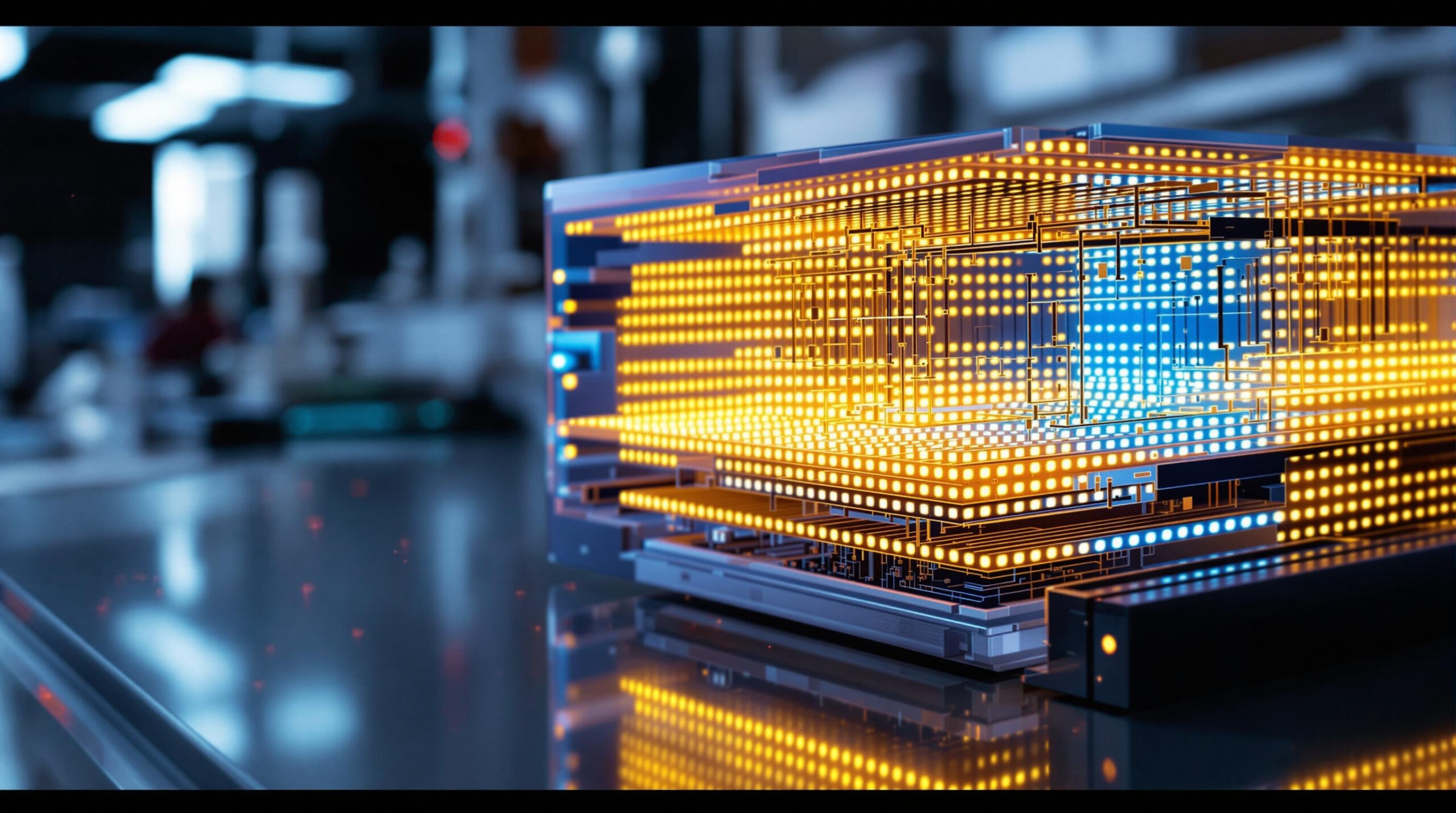
LED TVs use LEDs (light-emitting diodes) as backlights to illuminate LCD (liquid crystal display) panels. These displays don’t emit light themselves; instead, they rely on backlighting that shines through a grid of liquid crystal cells. Each pixel is composed of subpixels with red, green, and blue filters, and the crystal orientation in each cell modulates how much light passes through.
The formation of an image involves electric fields twisting liquid crystals, which affects polarization and determines pixel brightness. The backlight emits light when electrons in the semiconductor material recombine with holes, releasing photons via electroluminescence. This energy conversion is highly efficient but not instantaneous. It relies on electrical switching, material response, and synchronization—all critical in motion rendering.
Pixel Response Time: Molecular Physics Meets Visual Speed
One of the most significant contributors to motion blur is pixel response time—how quickly a pixel changes from one color or brightness level to another. In LED TVs, this change depends on how fast the liquid crystals can physically rotate in response to an electric field. This process involves molecular torque and rotational viscosity—terms rooted in materials science and thermodynamics.
A typical pixel transition, say from gray to gray, might take anywhere from 1ms to 12ms. If the transition is incomplete before the next frame is rendered, the viewer perceives overlapping states, causing a blur or ghost trail. Faster response times mean crisper motion. High-performance panels use advanced nematic or ferroelectric liquid crystals with improved alignment layers and optimized voltage waveforms to accelerate transitions.
Still, even with sub-5ms response times, full-speed motion can overwhelm the display. A football moving across a 60Hz screen can travel 30 pixels between refreshes. This disconnect between input and display speed is a major root cause of motion blur.
Refresh Rate: Synchronizing Frames and Flow
Another major player is the refresh rate—the number of times per second (measured in Hertz) that the screen redraws its image. A 60Hz TV refreshes its picture 60 times per second, while a 120Hz TV does so 120 times per second.
Higher refresh rates reduce motion blur by updating the screen more frequently, thereby offering smoother motion. From a physics standpoint, this reduces the hold time—the period a frame is statically displayed. This is particularly important in sample-and-hold displays, like LCDs, where each frame persists until the next one replaces it.
In contrast, impulse-type displays (like CRTs or OLEDs with black frame insertion) briefly flash each frame, relying on visual persistence to fill in gaps. Reducing hold time tricks the brain into perceiving smoother motion, even if pixel transitions aren’t instant. That’s why technologies like black frame insertion (BFI) or backlight strobing can enhance motion clarity.
Backlight Strobing: Light Timing as a Blur Reduction Tool
Backlight strobing works by turning off the LED backlight between frames or during pixel transitions. This eliminates residual image “drag” by ensuring that light is only emitted when the pixel has reached its final value. The effect is similar to what a stroboscope does when it makes a moving object appear stationary by syncing light flashes with motion.
From an engineering perspective, this requires extremely precise timing circuits, pulse width modulation (PWM) control, and low-latency display drivers. The challenge lies in balancing visibility (brightness drops during strobing) and stability (timing must sync perfectly with frame rates). Poorly implemented strobing can lead to flicker or eye strain.
Nonetheless, for users sensitive to motion blur—especially gamers or sports fans—strobing LED backlights provide a significant improvement in perceived motion clarity by limiting temporal overlap in pixel rendering.
Motion Interpolation: Synthetic Frames, Real Engineering
Some LED TVs attempt to reduce motion blur through motion interpolation, also called motion smoothing. The TV’s processor generates intermediate frames between actual frames to increase perceived frame rates. For instance, turning a 60fps input into 120fps output.
This involves motion vector analysis, where software algorithms track object displacement between frames and generate new frames with predicted positions. From an engineering standpoint, this requires fast image signal processors (ISPs), ample frame buffer memory, and low-latency algorithms based on optical flow analysis.
While motion interpolation can reduce blur in slow panning shots, it often introduces artifacts like “soap opera effect” or halo trails, because real motion is difficult to model with perfect accuracy. Still, it’s a useful tool in the motion clarity arsenal when applied judiciously and with proper tuning.
The Human Eye: Perception and Neural Limits
Motion blur isn’t purely a hardware issue—it’s also deeply tied to how the human visual system works. Our eyes do not capture motion continuously. Instead, they make rapid movements called saccades and rely on brain-based motion extrapolation to fill in the blanks between visual updates.
When an LED TV displays a moving image, the sample-and-hold nature of its pixels keeps each frame static until the next one appears. The eye, tracking a moving object across a static series of images, perceives blur because the object appears smeared along its path. The retina integrates light over a finite time, and when the image doesn’t move with it, a trail appears.
This persistence-of-vision effect means that even if the hardware refreshes quickly, motion blur can still occur if the object doesn’t track in alignment with the eye’s motion vector. Engineers exploit this knowledge by designing TVs that synchronize frame updates with predicted motion vectors or use black frame insertion to limit perceived image duration.
Quantum Dots and Color Response: Do They Affect Motion Blur?
Quantum Dot (QD) technology, often used in high-end LED TVs, enhances color saturation and brightness by using semiconductor nanocrystals that emit specific wavelengths when excited by blue LED backlight. This improvement in color accuracy is a result of quantum confinement, a principle from quantum mechanics that governs how electrons behave in small dimensions.
While QD doesn’t directly impact motion blur, brighter and more accurate colors can improve perceived sharpness, especially during motion. In combination with faster refresh rates and strobing backlights, the visual clarity of motion appears enhanced, even if the underlying pixel transitions remain unchanged.
Panel Types and Their Motion Characteristics
Different LED TV panel technologies exhibit different motion characteristics:
-
IPS (In-Plane Switching) panels offer wide viewing angles but generally slower pixel response times due to higher molecular resistance in the horizontal orientation.
-
VA (Vertical Alignment) panels offer better contrast and faster transitions for dark-to-light changes but may ghost in mid-gray transitions.
-
TN (Twisted Nematic) panels—rare in TVs—have the fastest response times but suffer from poor color accuracy and viewing angles.
From a materials engineering perspective, the difference comes down to liquid crystal alignment layers, electrode design, and dielectric properties. Manufacturers often add overdrive circuits—voltage-boosting systems that accelerate pixel transitions—to mitigate native panel limitations.
HDMI, Frame Rates, and Input Latency: The Transport Layer
Another factor in motion blur is the video signal’s transport layer—how content travels from source to screen. HDMI cables carry digital video in packets, and every format from HDMI 2.0 to HDMI 2.1 determines how much data, and at what frame rate, can be transmitted.
For instance, HDMI 2.1 supports 120Hz at 4K resolution, critical for minimizing blur in gaming. Input latency—how long it takes for the TV to process and display a signal—also affects perceived motion responsiveness. TVs with Game Mode bypass post-processing to reduce input lag and keep blur to a minimum.
Engineers designing TV firmware must balance video decoding pipelines, frame buffering, and display driving to ensure smooth motion from input to pixel.
Future Directions: Solving Motion Blur with AI and New Materials
The fight against motion blur is pushing engineers into new frontiers. Some manufacturers are developing AI-based frame prediction engines that use machine learning to interpolate motion more naturally. These systems train on video datasets and improve their predictive accuracy over time.
On the materials side, blue-phase liquid crystals, ferroelectric displays, and even graphene-enhanced transistors are being researched for ultra-fast pixel transitions. These materials respond to voltage changes in microseconds—far below the human perceptual threshold.
Some TVs also integrate mini-LED or microLED backlighting systems with precision local dimming zones. These offer better control over brightness during motion scenes, reducing perceptual lag caused by lingering illumination.
Conclusion: Motion Blur as a Multi-Disciplinary Engineering Challenge
Motion blur in LED TVs is not just a visual artifact—it’s a window into the intricate relationship between human perception, optical physics, material science, and electrical engineering. From how molecules rotate in response to voltage, to how the eye tracks motion, every element in the display chain contributes to the clarity—or fuzziness—of fast movement on screen.
Engineers continue to improve LED TVs by increasing refresh rates, enhancing backlight timing, developing faster panel materials, and refining signal processing algorithms. For consumers, understanding the science behind motion blur empowers smarter choices—whether you’re selecting a gaming TV, a cinematic display, or a screen for fast-action sports.
In the end, the battle against motion blur is not just about hardware—it’s about harmony between the machine and the human brain, orchestrated by some of the most sophisticated science in the world of consumer electronics.
LED/LCD TV Reviews
Explore Philo Street’s Top 10 Best LED/LCD TV Reviews! Dive into our comprehensive analysis of the leading LED/LCD TV products, complete with a detailed side-by-side comparison chart to help you choose the perfect protection for your devices.